
Financial reports
Produce the Profit and Loss, Balance Sheet, Cash Flow, Trial Balance and receivables reports, and read them.
Overview
Financial reports turn your transactions into the statements an owner, bank or tax adviser needs. Find them on the Accounting workspace under Reports & Masters, or type the name in the search bar.
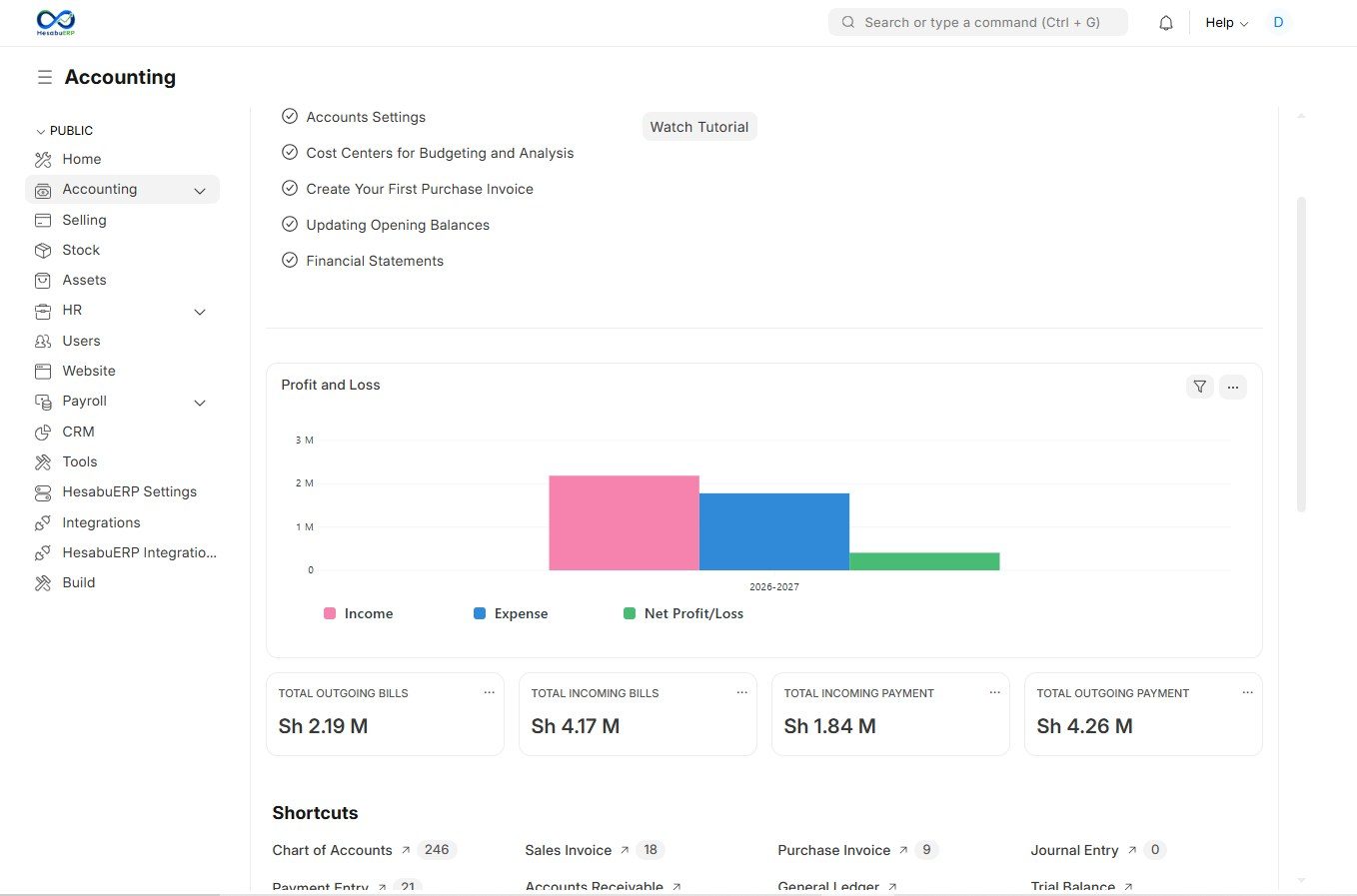
The key reports
| Report | It shows |
|---|---|
| Profit and Loss Statement | Income, expenses and net profit for a period |
| Balance Sheet | What you own, owe and your equity on a date |
| Cash Flow | Where cash came from and went |
| Trial Balance | Every account's balance, to check the books agree |
| General Ledger | Every entry in an account, with filters |
| Accounts Receivable | Who owes you, and how overdue each invoice is |
| Accounts Payable | Whom you owe, and how overdue |
Steps
- Open the report, for example Profit and Loss Statement.
- Choose the Company and Fiscal Year, or a From and To date.
- Choose how to Periodicity group the columns: Monthly, Quarterly or Yearly.
- Optionally filter by Cost Center or another dimension.
- Read the totals. Click an account name to open its ledger entries.
- Use Menu, then Export or Print to share it. Save your filter settings using Save in the menu.
Practical example
At the end of each month, the owner opens the Profit and Loss Statement with Monthly periodicity for the fiscal year. Net profit for October is lower than September. She clicks the Transport and Delivery line, which opens the ledger and shows a large fuel bill she had not expected. She then checks the Accounts Receivable report and phones the three biggest overdue customers.
Important notes
- Reports include submitted documents only. Drafts are not counted.
- If the Balance Sheet does not balance, look for entries posted to the wrong account, or an unsubmitted opening entry.
- Use the Trial Balance to check that total debits equal total credits.
- Tax reports depend on your tax setup. See Sales taxes and VAT.
Common mistakes
- Comparing two reports with different fiscal years or companies.
- Forgetting that backdated entries change past months' figures.
Next steps
Read Sales taxes and VAT.