
Projects and tasks
Create projects, break them into tasks, assign people and track progress.
Plan availability
Included in the Enterprise plan. Contact us if you want to upgrade.
Overview
A Project groups the work for one job, for a customer or for your own company. It is divided into Tasks that you assign, schedule and track.
Prerequisites
A Customer if the project is for a client. Users or employees to assign work to. The Projects Manager role to set things up.
Steps
Create a project
- Search for Project and click Add Project.
- Enter the Project Name, choose the Customer and the Status (Open).
- Set the Expected Start Date and Expected End Date.
- Choose the % Complete Method, which sets how progress is calculated: by tasks, by task progress or by task weight.
- Under Costing and Billing, enter the Estimated Cost and Total Sales Amount if you know them.
- Save.
Add tasks
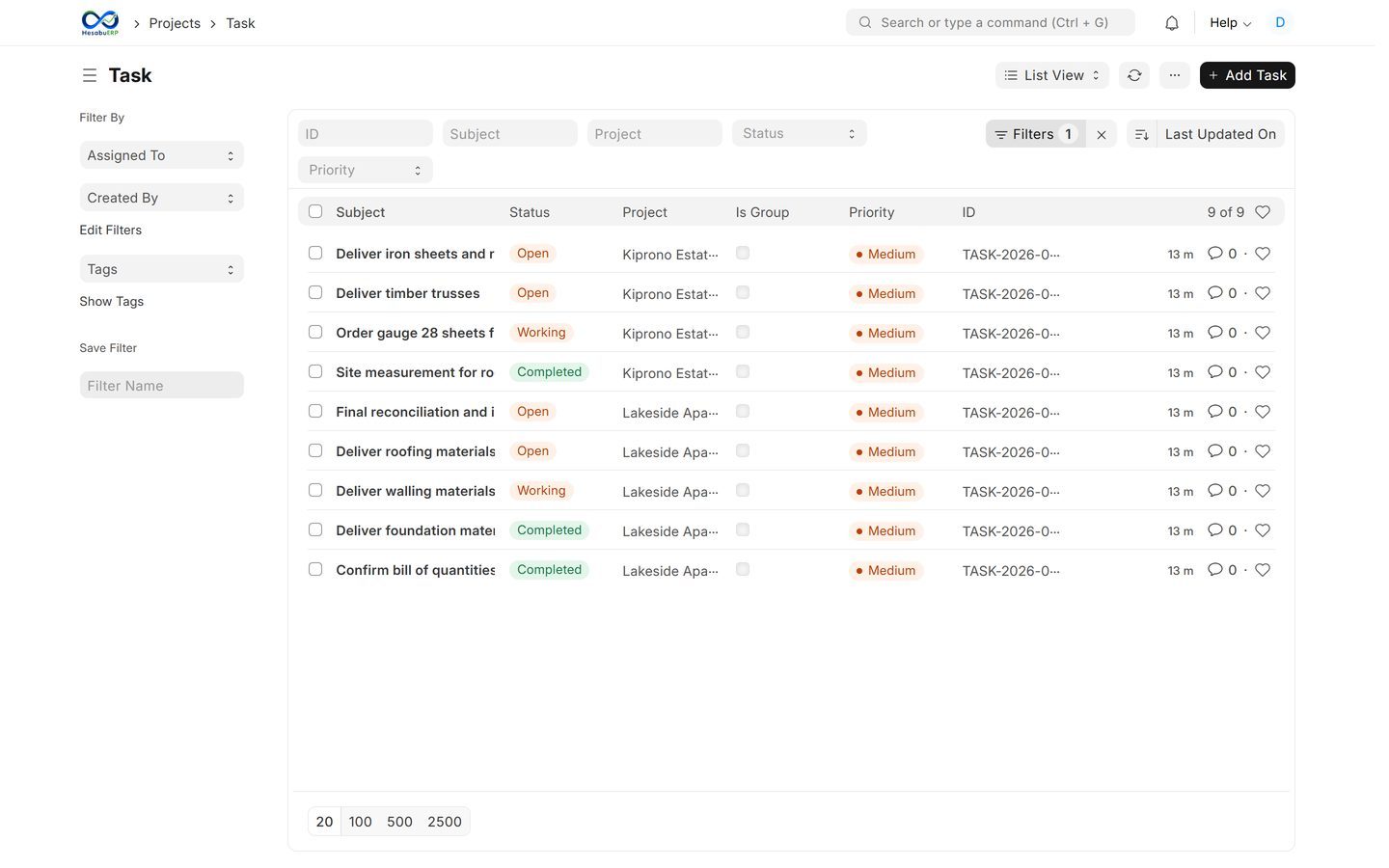
- From the project, click Tasks (or search for Task and click Add Task).
- Enter the Subject, the Project, the Expected Start and End dates, the Priority and the Expected Time in hours.
- Assign it with Assigned To. The person is notified.
- For tasks that depend on others, add them in Depends On.
- Save. Update the Status as work proceeds: Open, Working, Pending Review, Completed.
Views
In the Task list, use Gantt for a timeline, Kanban for columns and Calendar for dates. See Kanban boards, recurring documents and bulk tools.
Practical example
Mwangaza Interiors wins a contract to fit out an office. The project has tasks such as Measure, Order materials, Install and Handover, each assigned and dated. The manager checks the Gantt each Monday.
Important notes
- Use Project Templates to reuse the same set of tasks for repeat jobs.
- Close a project by setting the status to Completed only after billing is done.
Common mistakes
- Tasks with no assignee or dates.
- Never updating status, so the percent complete is meaningless.
Next steps
Read Timesheets.