
Fixed assets overview
What counts as a fixed asset, how Hesabu ERP tracks it and the order to set it up.
Plan availability
Included in the Enterprise plan. Contact us if you want to upgrade.
Overview
A fixed asset is something your business owns and uses for more than a year: a delivery van, a computer, shop shelving, a generator. Unlike stock, you do not sell it. Instead its cost is spread over its useful life as depreciation.
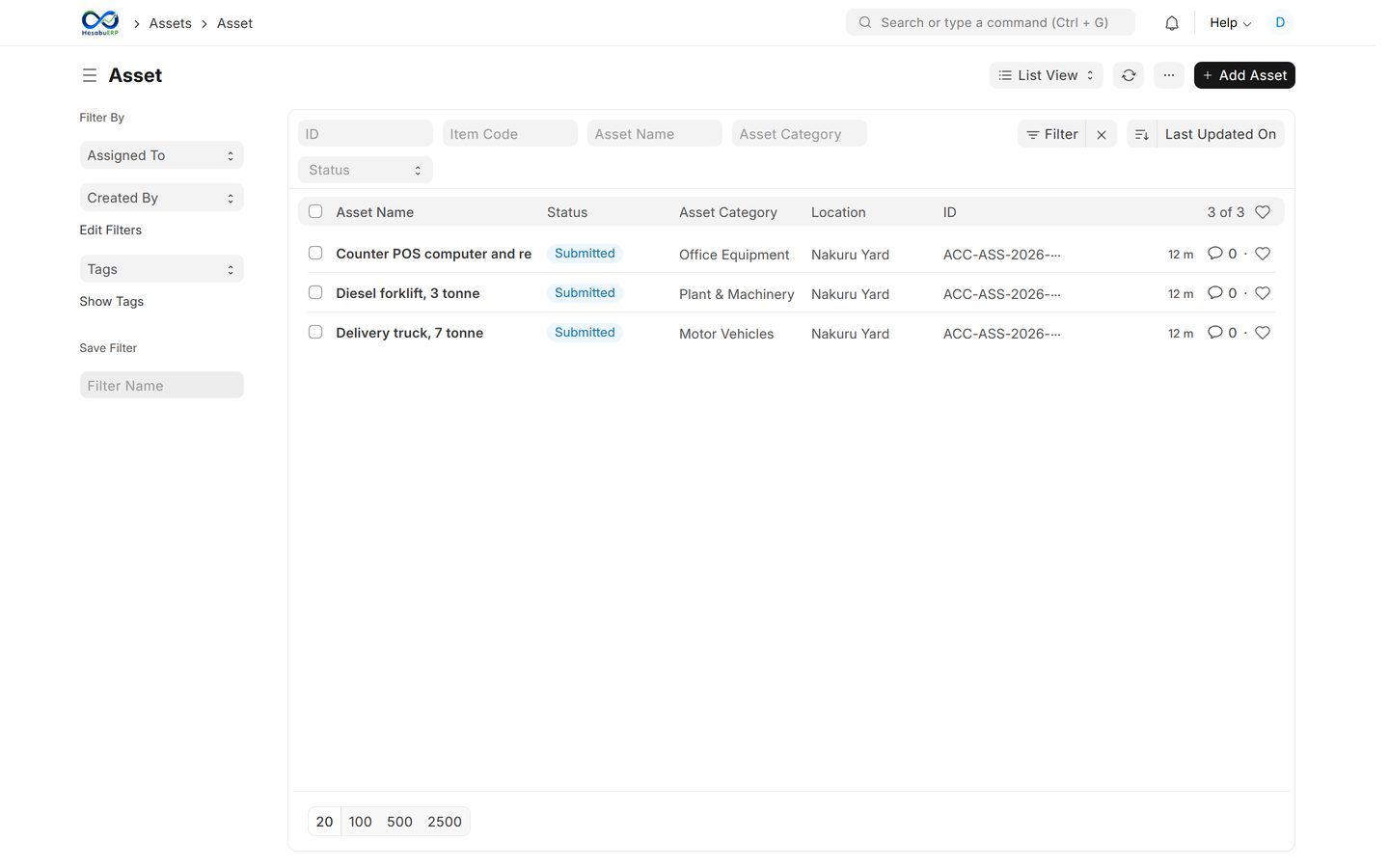
What the module does
| Task | Result |
|---|---|
| Register an asset | One record per asset with cost, date, location and custodian |
| Depreciate it | Monthly entries that lower its value and record an expense |
| Move it | A history of where it has been and who holds it |
| Maintain it | Scheduled service tasks and repair logs |
| Dispose of it | Sale or scrap, with the gain or loss in your accounts |
Setup order
- Check your chart of accounts has the right asset and depreciation accounts. See The chart of accounts.
- Create asset categories.
- Register your assets, either new purchases or existing ones.
- Let depreciation run.
- Use movements and maintenance and disposal as needed.
Important notes
- Ask your accountant which depreciation method and rates to use. They affect your tax and your profit.
- Fixed assets are not the same as stock items. Do not create a delivery van as an item you hold for sale.
Next steps
Read Asset categories.