
Point of sale overview
What the point of sale (POS) does, how a day at the till runs and the order in which to set it up.
Plan availability
Included in the Kuza and Enterprise plans. It is not part of Biashara. Contact us if you want to upgrade.
Overview
The Point of Sale (POS) is a fast, touch-friendly screen for selling over the counter. The cashier picks items, takes payment and prints a receipt in seconds. Every sale updates your stock and your books automatically.
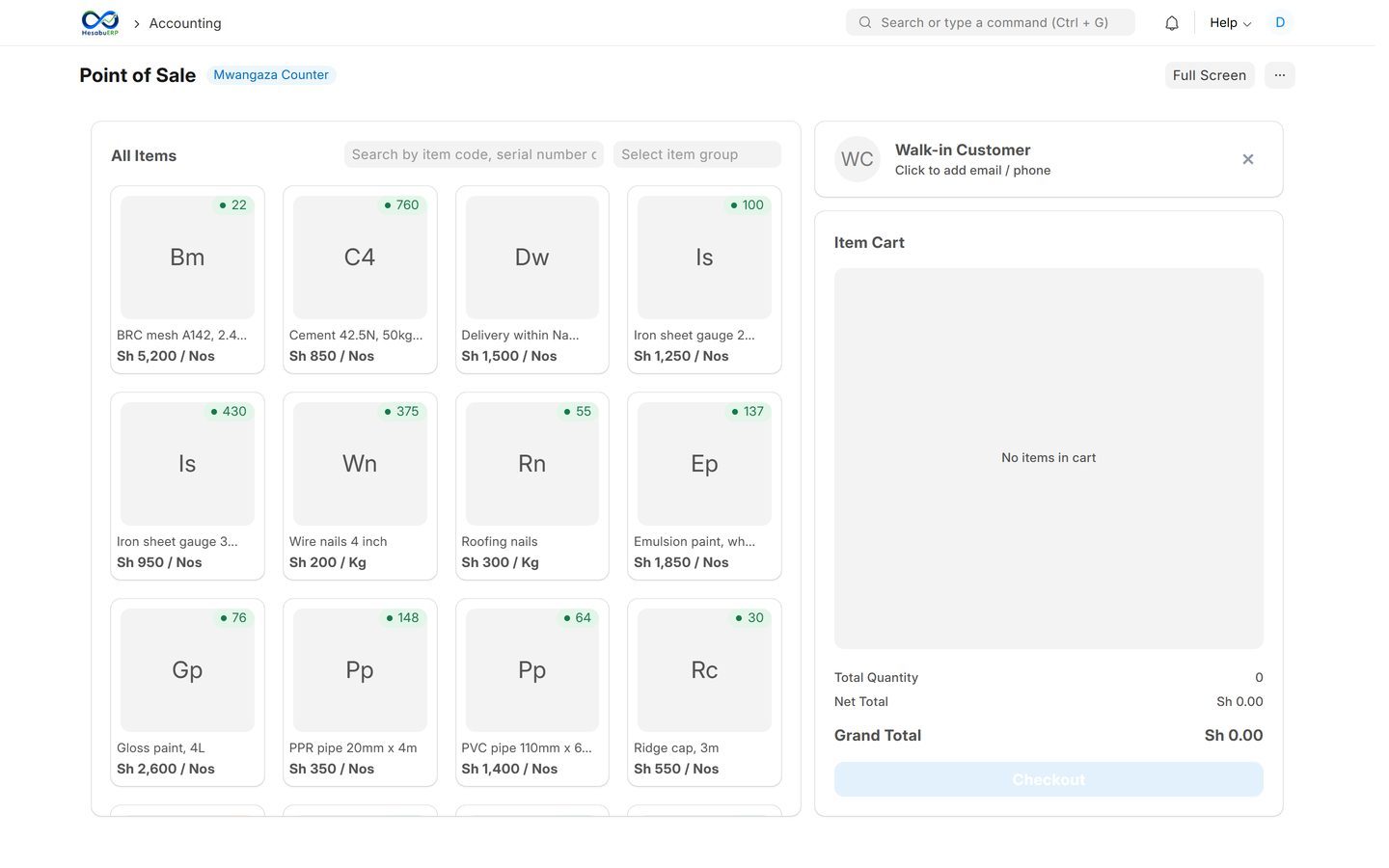
A day at the till
- The cashier opens the shift with the cash in the drawer.
- They sell: pick items, choose the customer if needed, take payment, print the receipt.
- They handle returns when a customer brings goods back.
- At closing they close the shift, count the cash and the system shows any difference.
- The accountant reviews the day's sales and the reconciliation.
Setup order
- Make sure your items have prices and stock. Create a warehouse for the shop.
- Create the payment accounts: cash, M-Pesa and card.
- Set up the POS profile and cashiers.
- Train cashiers on selling at the till.
Important notes
- Each sale made at the till creates a POS Invoice. At the end of the shift, these are combined into regular Sales Invoices when you close the shift.
- The POS needs a working internet connection for normal use. If your connection is unreliable, test before you rely on it at a busy counter.
- If the POS is not in your sidebar, it may not be part of your plan. Contact us.
Next steps
Read Setting up the POS.